
DAMAGE · SCAN · DON’T BREAK IT
 obsQRity
How much damage can one QR code take? Break the pattern, keep the code working.
obsQRity opens on the official site. It does not allow cross-site embedding, and TileHive does not remake it.
YOUR FIRST CODE
How to play obsQRity
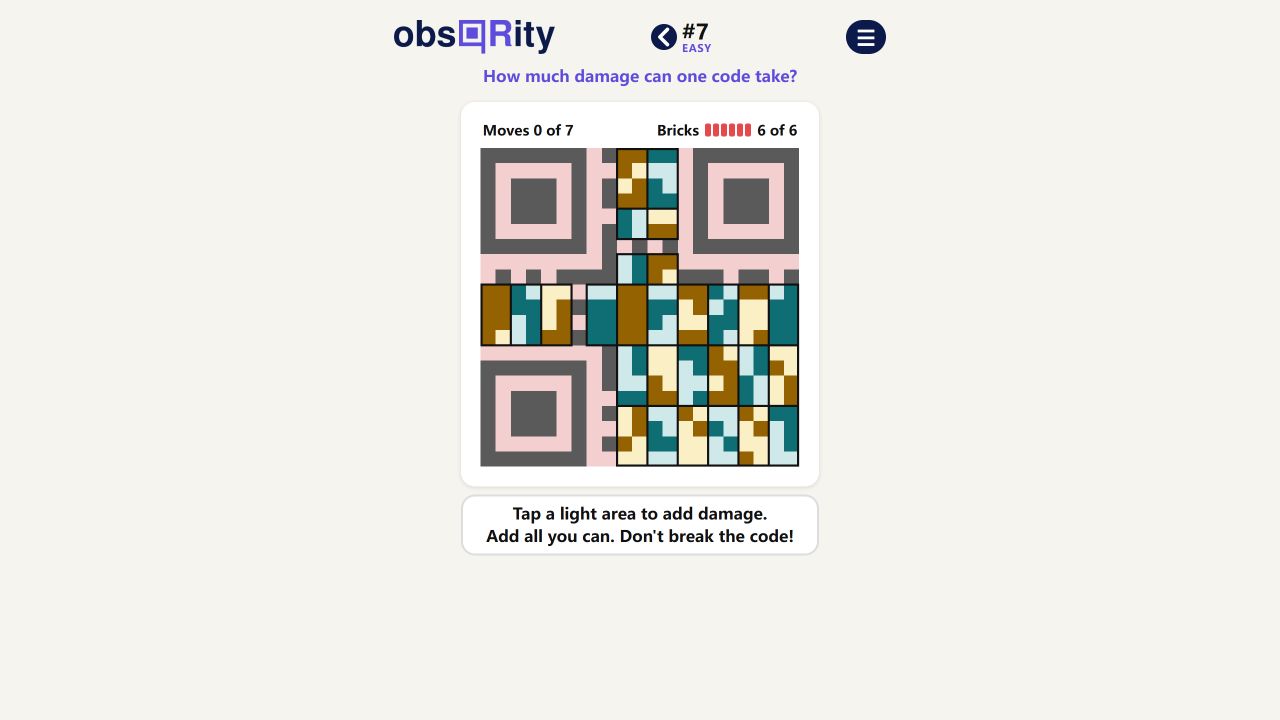
Look for a light area on the QR-code board and tap it to add damage. The challenge is to damage as much of the code as you can without making it stop working. The official game tracks your moves and shows the remaining bricks.
Not every visible area is a valid move. In the tutorial, tapping a pink out-of-bounds area produced a boundary message and did not add a move. A valid light-area tap changed the counters and returned the message, “The code still works.” Treat that as a tutorial example, not the solution to today’s puzzle.
A SAFE WAY IN
Zoom in, then read the result.
The official board includes zoom controls. Use them when the boundary between coloured areas is hard to target, then return to the full board before deciding where to move next.
The tutorial observed a valid light-area tap, not a pink out-of-bounds area. The move counter incremented, the Bricks counter changed, and the game reported that the code still worked.
Choose the next area with both counters in view. Because one move can hit several bricks, do not assume the brick count drops by exactly one each time.
The playable pattern changes. A screenshot or route from a different puzzle is not today’s answer.
WHAT “STILL WORKS” MEANS
The game’s feedback is the current authority.
obsQRity asks you to add damage without breaking the code, and it reports when a tested move leaves the code working. TileHive has not independently scanned every possible board state with an external QR reader, so this page does not claim each displayed state is independently scannable. Follow the game’s own feedback for the current puzzle.
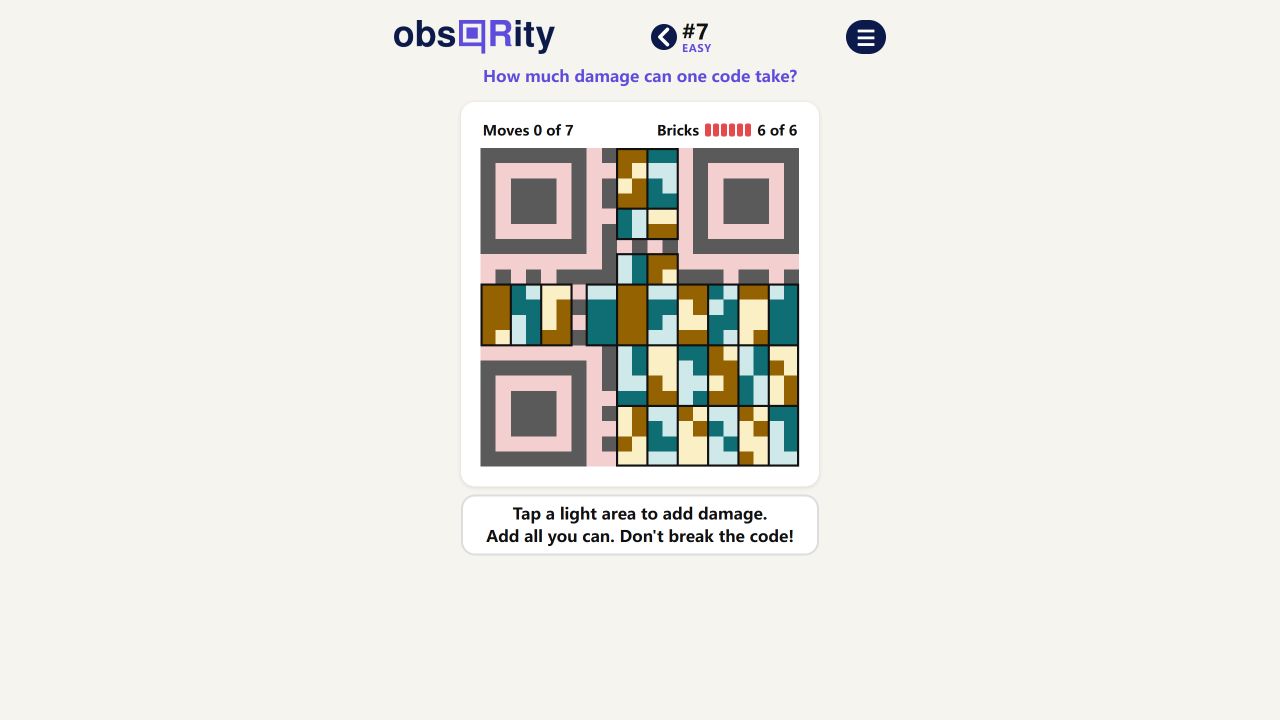
Game artwork and screenshot from obsQRity. Explanation by TileHive.
AT A GLANCE
obsQRity facts
| Platform | Web browser at obsqrity.com |
|---|---|
| Game type | Visual daily puzzle on a real QR code |
| Your task | Damage light areas without making the code stop working |
| Counters | Moves and remaining Bricks |
| Board seen in research | Version 2.0, puzzle #7, Easy |
| TileHive hosting | Official link only; the game is not embedded or remade |
obsQRity questions, answered.
What is the goal of obsQRity?
Damage as much of the QR code as possible while keeping it functional, following the game’s feedback for the current puzzle.
Where can I tap in obsQRity?
The official prompt asks you to tap a light area. In the tutorial, a pink out-of-bounds area was rejected without adding a move.
What do Moves and Bricks mean?
Moves tracks valid actions. Bricks is the remaining brick counter shown by the game. One action can affect more than one brick, so read the feedback after each tap.
Can I zoom in on the obsQRity board?
The official game includes zoom controls. We treat the desktop board as verified; mobile zoom and touch behavior still need a separate phone check.
Can I play obsQRity inside TileHive?
No. The official site does not allow cross-site embedding, so use the official link to play. TileHive does not recreate the game.
Sources & accuracy
Rules, counters, the tutorial boundary message and the official board checked against obsqrity.com on October 26, 2026. The page showed Version 2.0 and puzzle #7 (Easy). TileHive is an independent directory and is not affiliated with obsQRity. Exact reset time, mobile touch/zoom behavior and long-term version rules remain under verification.